
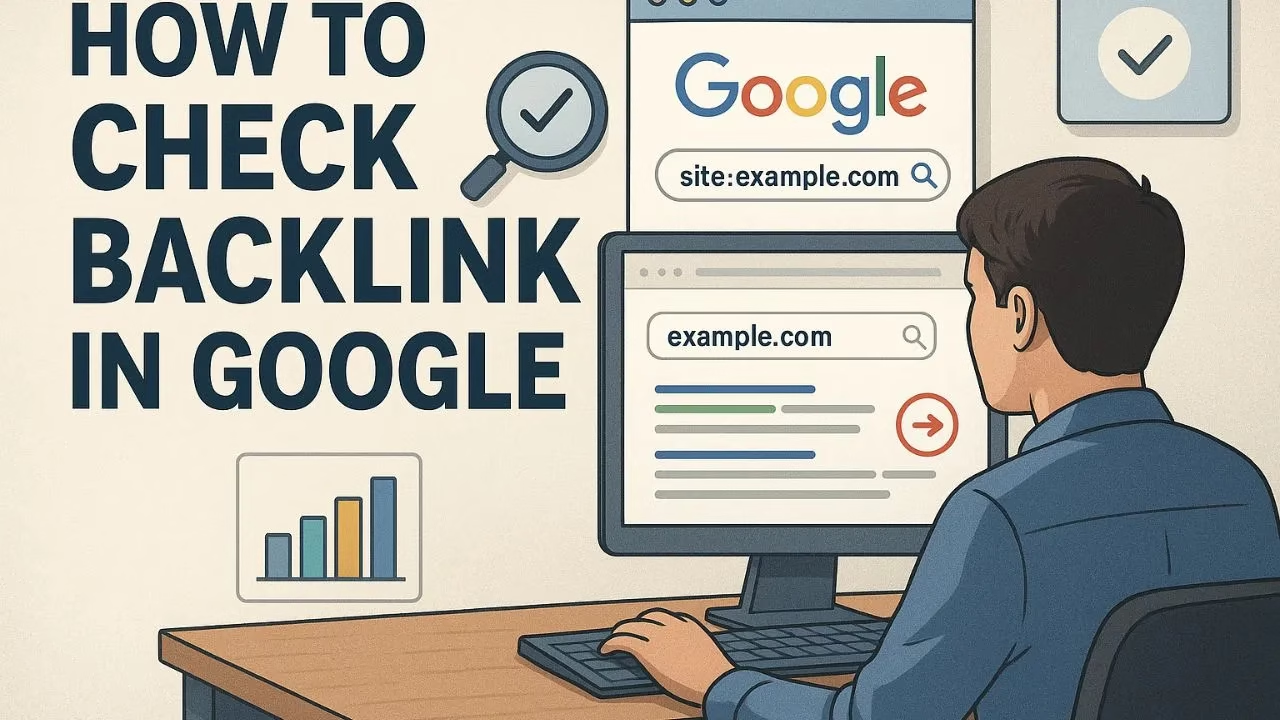
How to Check Backlink in Google for Better SEO Performance
How to check backlink in Google is one of the most important questions every website owner and digital marketer asks. Backlinks are not only a ranking factor but also a reflection of your website’s authority and trustworthiness. Knowing how to check backlink in Google helps you understand where your site stands, which websites are linking to you, and whether those backlinks are improving or hurting your SEO.
Backlinks, also known as inbound links, act like votes of confidence for your website. The more high-quality backlinks you have, the higher your chances of ranking on the first page of Google search results. If you are wondering how to check backlink in Google, this guide will provide you with step-by-step methods, tools, and expert strategies to track and evaluate them effectively.
How to Use Google Search Console to Check a Backlink in Google
The first step in learning how to check backlink in Google is through Google Search Console (GSC). This free tool from Google provides detailed reports on which domains are linking to your website.
Steps to check backlinks in Google Search Console:
- Sign in to Google Search Console.
- Select your website property.
- Navigate to the “Links” section in the left-hand menu.
- Examine the “Top linking text” and “Top linking sites” sections.
- Export the list of backlinks for further analysis.
This method is completely free and accurate because the data comes directly from Google itself. By checking backlinks here, you can identify your top referring domains and anchor texts used to link back to your content.
How to Check Backlink in Google with Advanced SEO Tools
While Google Search Console gives you basic insights, many professionals want more advanced data when they ask how to check backlink in Google. For this, you can use powerful SEO tools such as:
- Ahrefs: Provides detailed backlink analysis, including domain authority, dofollow/nofollow status, and historical trends.
- SEMrush: Offers a complete backlink audit and helps in identifying toxic links that may hurt your SEO.
- Moz Link Explorer: Useful for checking domain authority and the quality of inbound links.
These tools are not free, but they provide comprehensive insights that Google Search Console may not show.
How to Check Backlink in Google and Identify Quality Links
Learning how to check backlink in Google is not only about counting the number of links but also about understanding their quality. A single high-quality backlink from a trusted site is far more valuable than hundreds of low-quality backlinks.
Here are factors to check:
- Domain Authority (DA): Higher DA means stronger influence.
- Relevance: SEO value is higher for backlinks from websites in your niche.
- Anchor Text: The words used in the link should be natural and relevant.
- Dofollow vs Nofollow: Dofollow backlinks pass link juice, while nofollow backlinks are useful for traffic but not direct SEO authority.
If you find low-quality or spammy backlinks, you should consider using the Google Disavow Tool to prevent them from negatively impacting your rankings.
How to Check Backlink in Google for Competitor Analysis
Another powerful way to learn how to check backlink in Google is through competitor analysis. By examining the backlink profile of your competitors, you can discover new opportunities for link building.
Steps:
- Use tools like Ahrefs or SEMrush to enter your competitor’s domain.
- Check their backlink sources.
- Analyze which content is attracting the most links.
- On your own website, produce content that is comparable to or superior.
- Reach out to those linking sites for possible backlink opportunities.
This strategy not only shows you how to check backlink in Google but also how to grow your link-building strategy.
How to Check Backlink in Google for Content Strategy Improvement
When you know how to check backlink in Google, you can refine your content strategy. If certain blog posts or pages attract more backlinks, it indicates that the content is valuable to other websites.
For example:
- A well-researched blog post may attract backlinks from educational websites.
- A free tool or resource can bring backlinks from blogs and forums.
- A trending topic article can attract backlinks from media outlets.
By identifying which type of content earns backlinks, you can create more similar content and boost your SEO efforts.
How to Check Backlink in Google and Monitor Link Growth
It is not enough to know how to check backlink in Google once—you need to monitor them regularly. SEO is an ongoing process, and backlinks can change over time. Some links may be removed, while new ones may appear.
Best practices for monitoring backlinks:
- Use Google Search Console once a month to examine your backlink profile.
- Track new links and lost links with Ahrefs or SEMrush.
- Maintain a list of high-value backlinks.
- Disavow spammy or harmful backlinks immediately.
By monitoring consistently, you can ensure your SEO strategy stays strong and effective.
Final Thoughts on How to Check Backlink in Google
How to check backlink in Google is an essential SEO skill every digital marketer and website owner must master. Whether you use Google Search Console for free or advanced paid tools like Ahrefs and SEMrush, the key is to not only track backlinks but also analyze their quality.
Strong backlinks will improve your search engine rankings, bring more organic traffic, and establish your website as an authority in your niche. On the other hand, ignoring backlinks can lead to missed opportunities and even SEO penalties.
For the best results, make checking backlinks a regular part of your SEO routine. If you want to explore further, you can also check Google’s official guide on links to better understand how they affect search rankings.

